Zoom to the cell
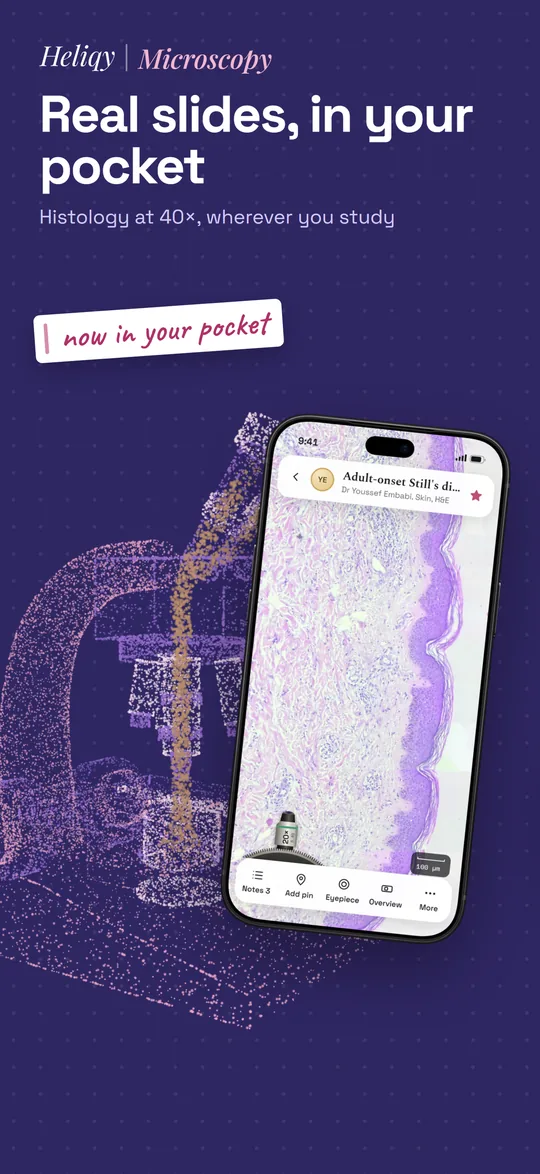
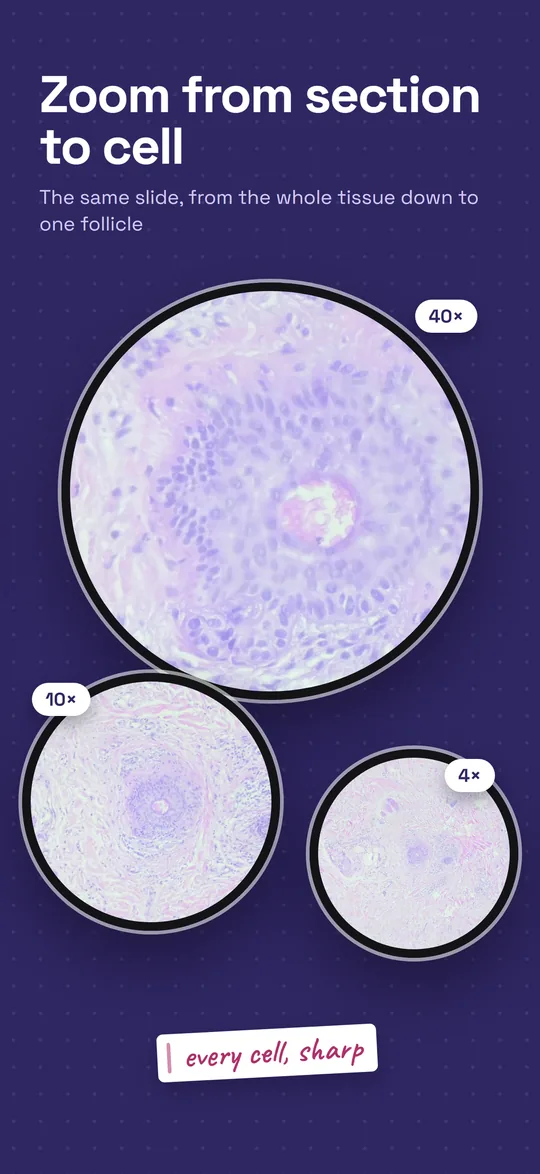
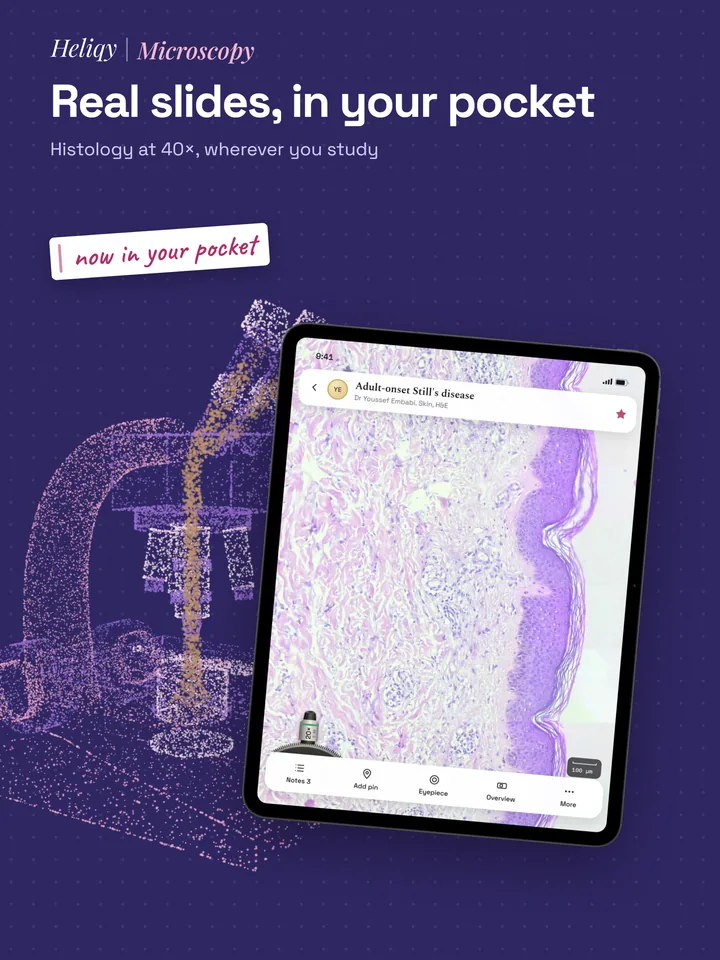
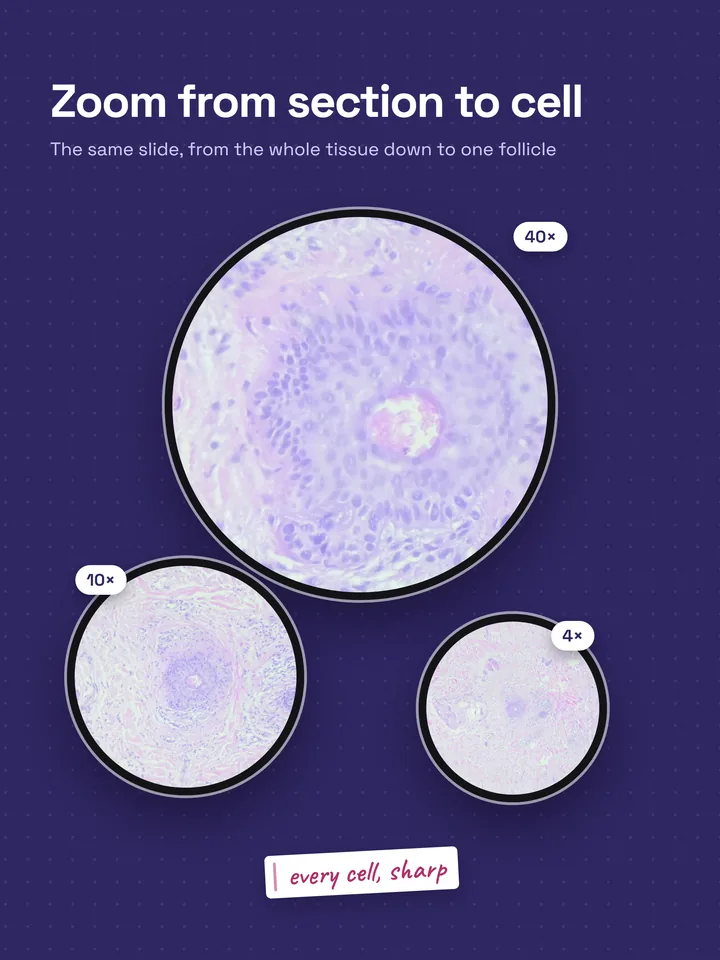
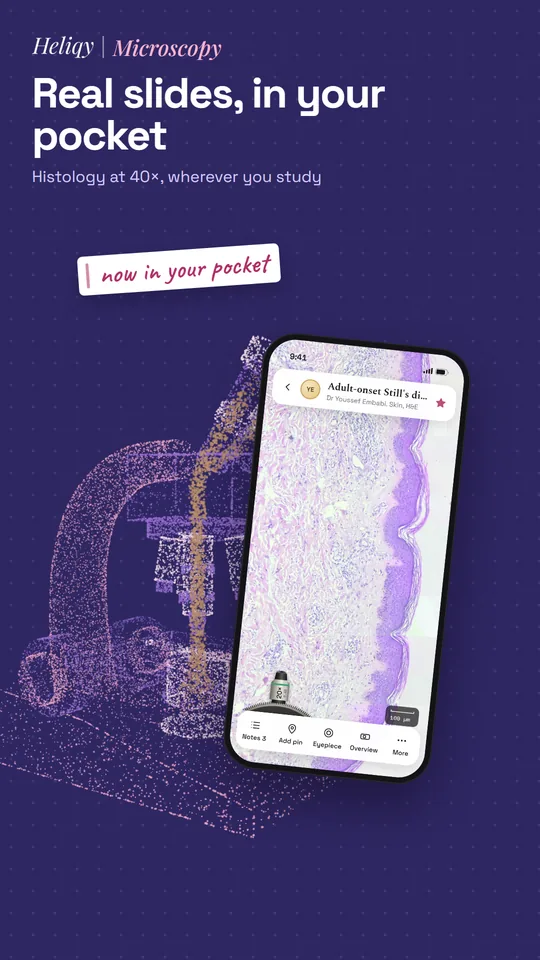
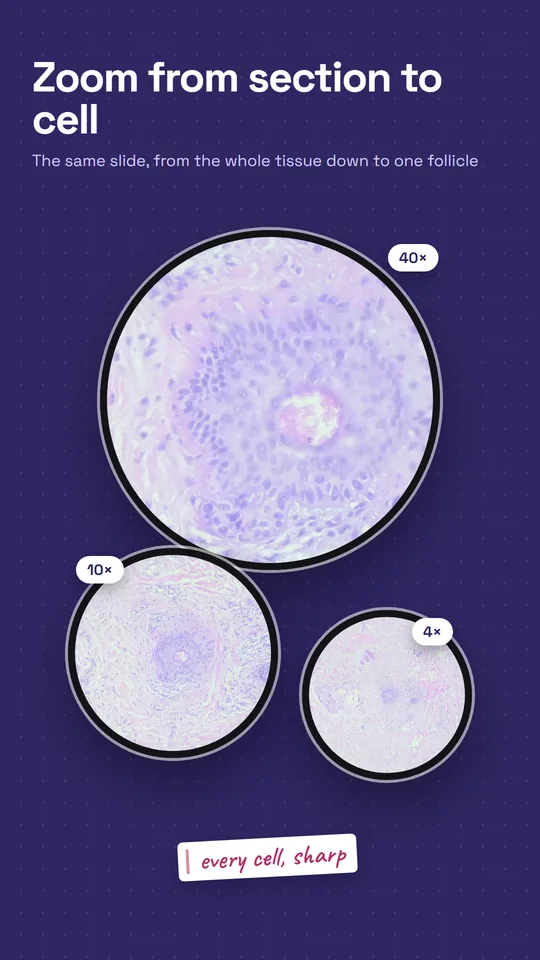
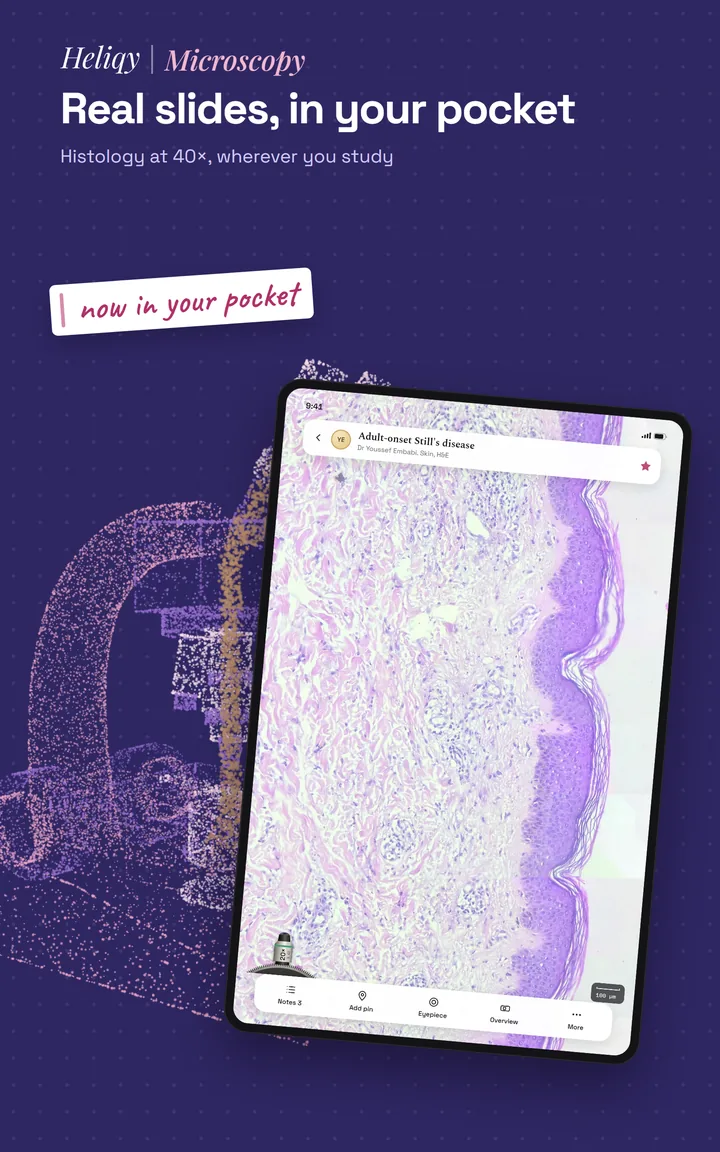
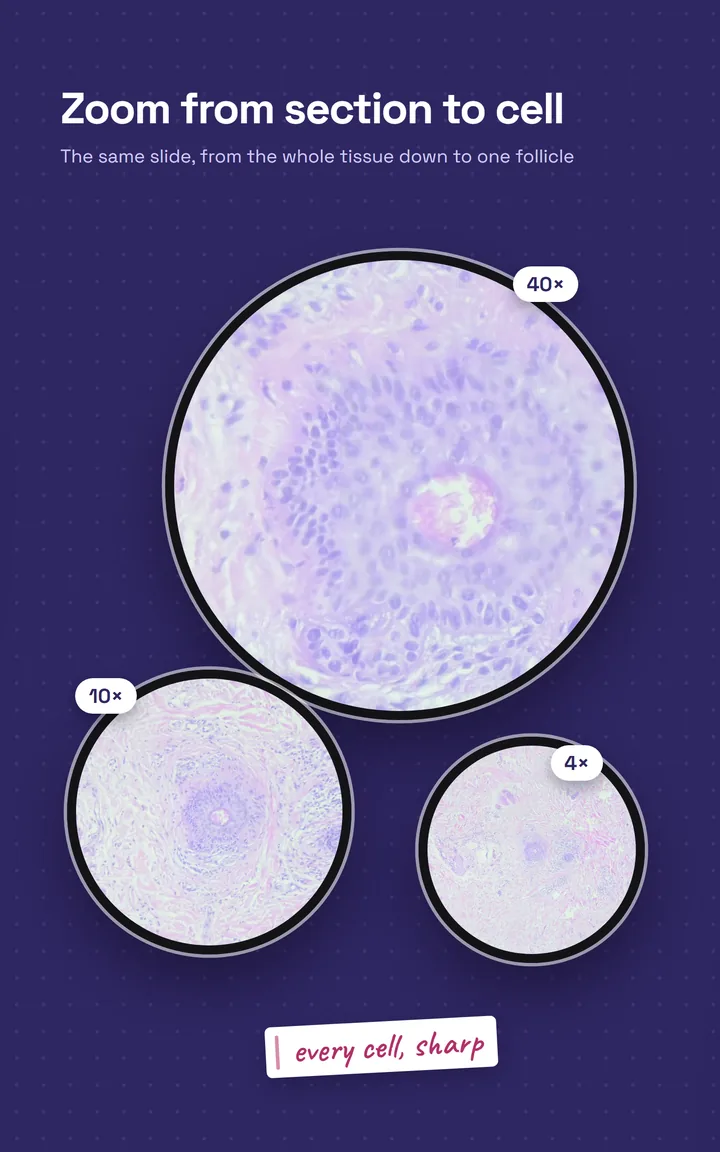
Go from the whole section down to single cells, with a true scale bar and the magnification always on screen.
Heliqy Microscopy puts real histology and pathology slides on your phone and tablet. Zoom from the whole section down to single cells. Your teaching center gives you an account and chooses the slides.


For iPhone, iPad and Android. Need help?
Real glass slides from your course, digitised in high resolution, with the tools you use at the bench.
Go from the whole section down to single cells, with a true scale bar and the magnification always on screen.
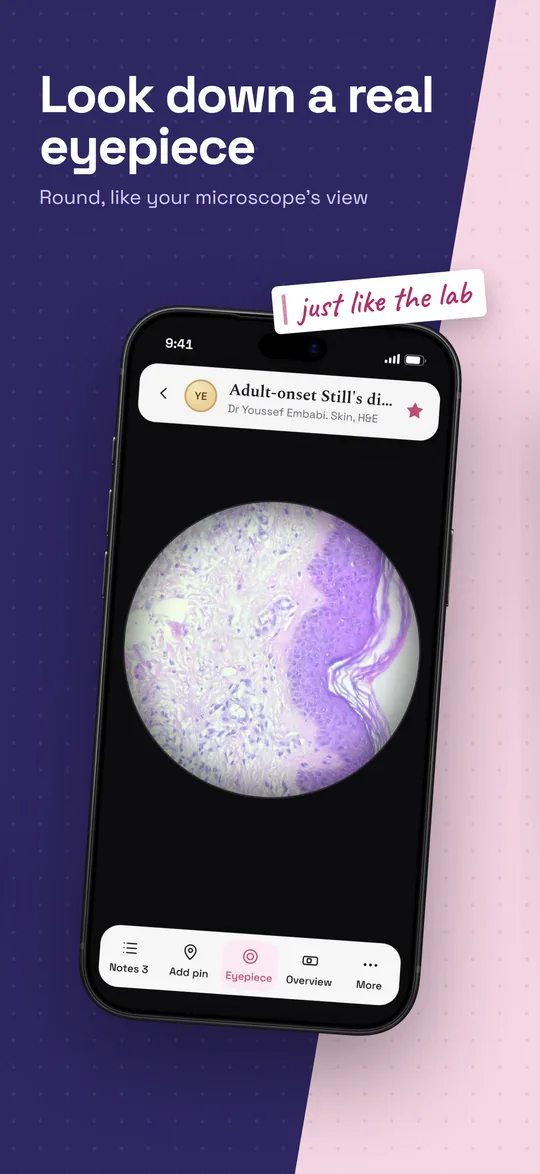
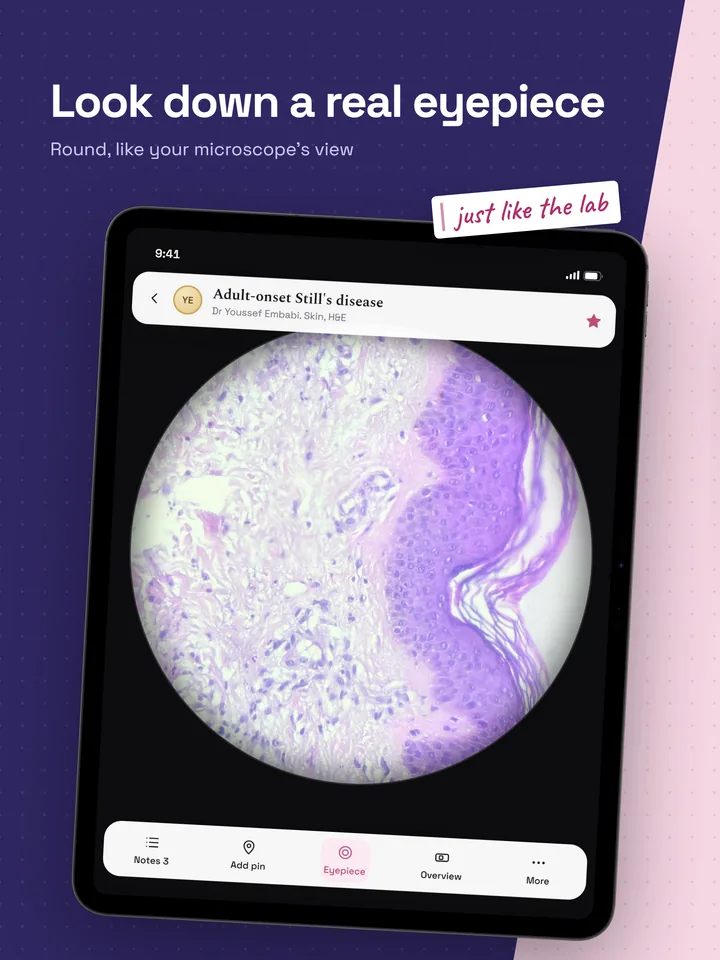
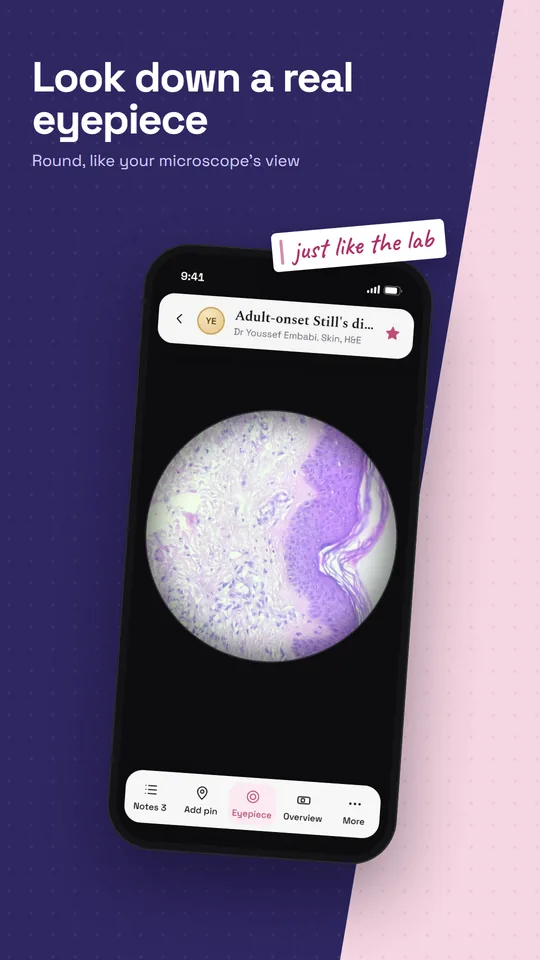
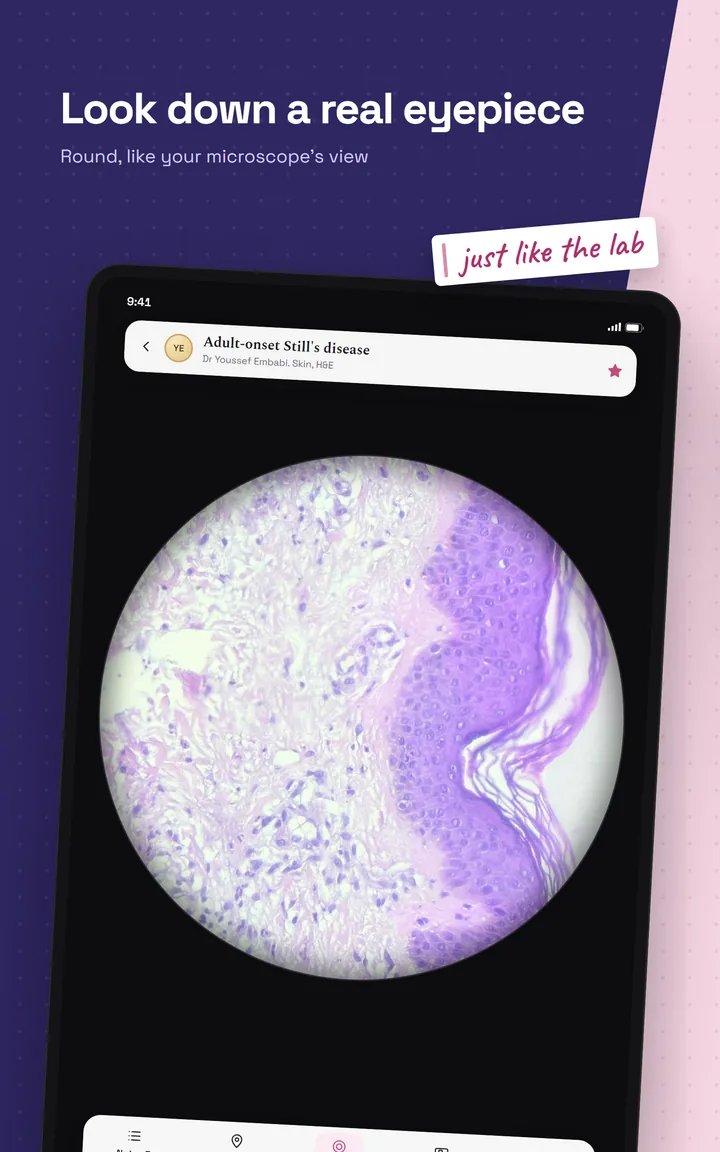
Switch to a round field of view and turn the lens wheel, just like looking down a real microscope.
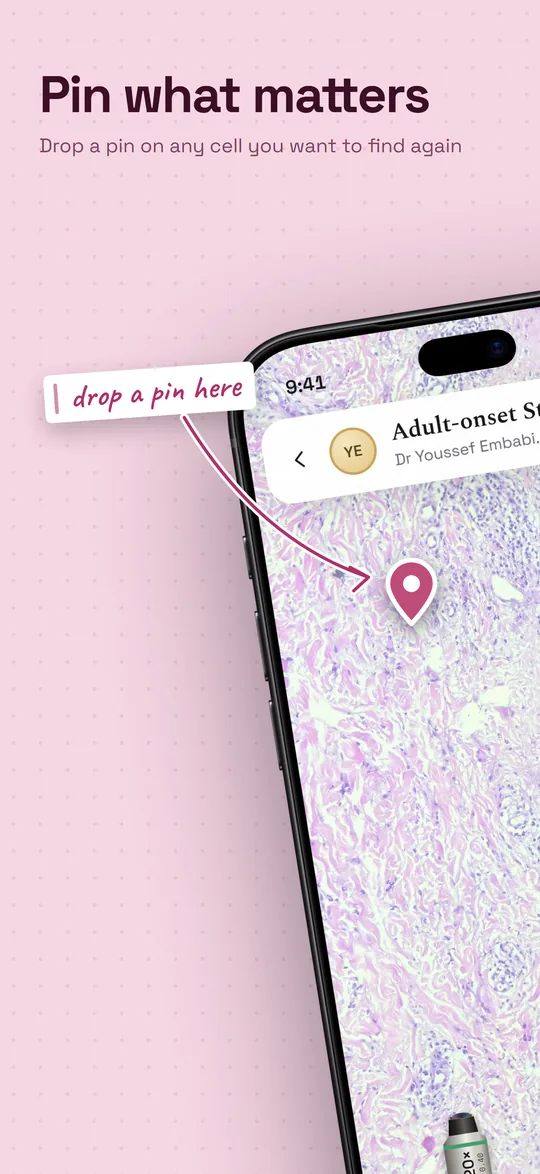
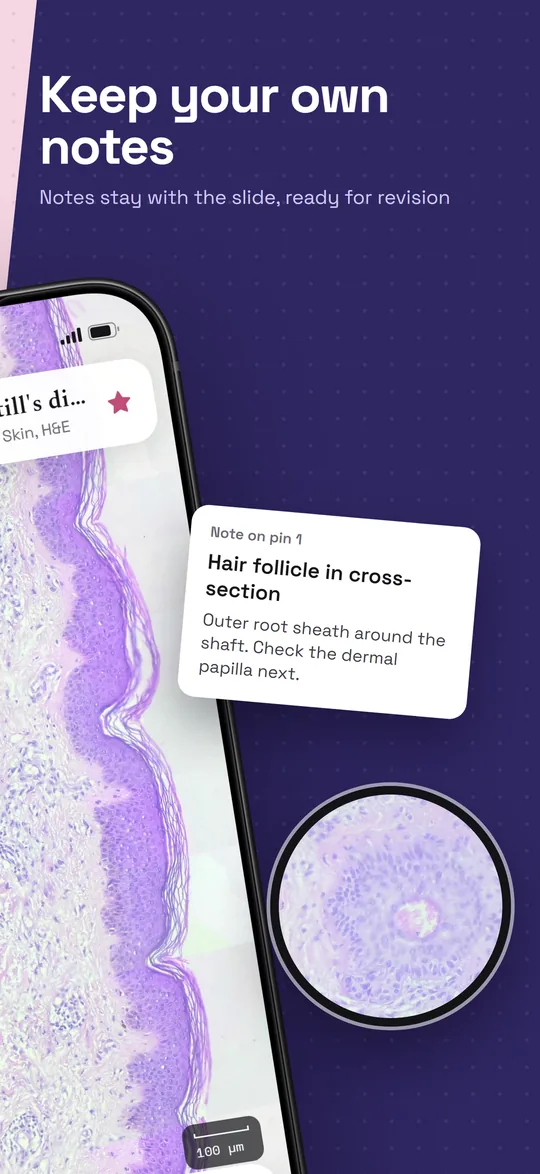
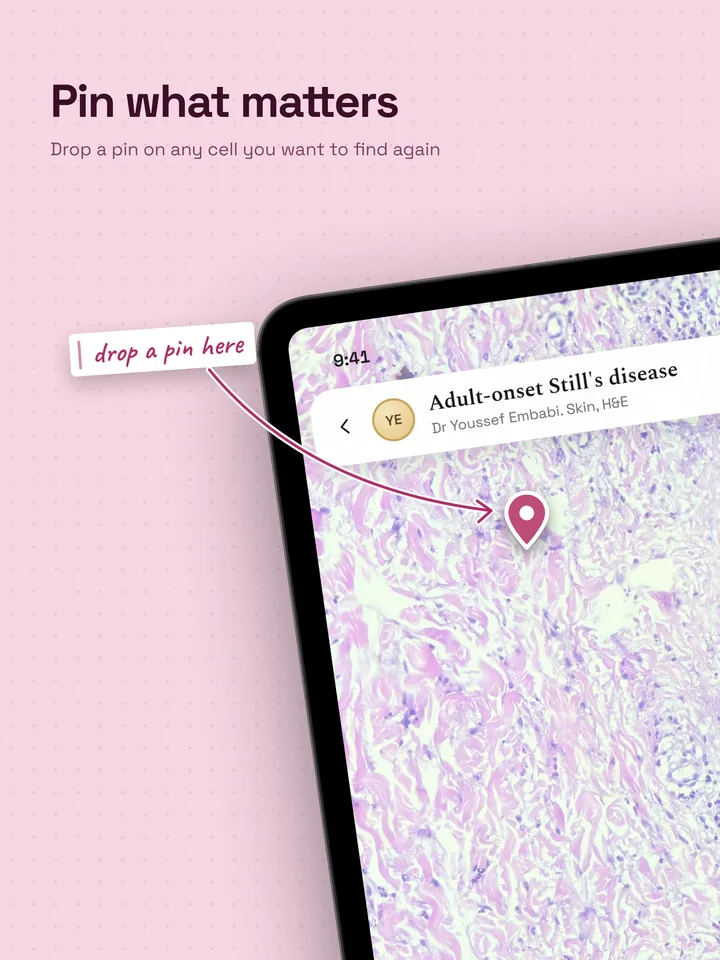
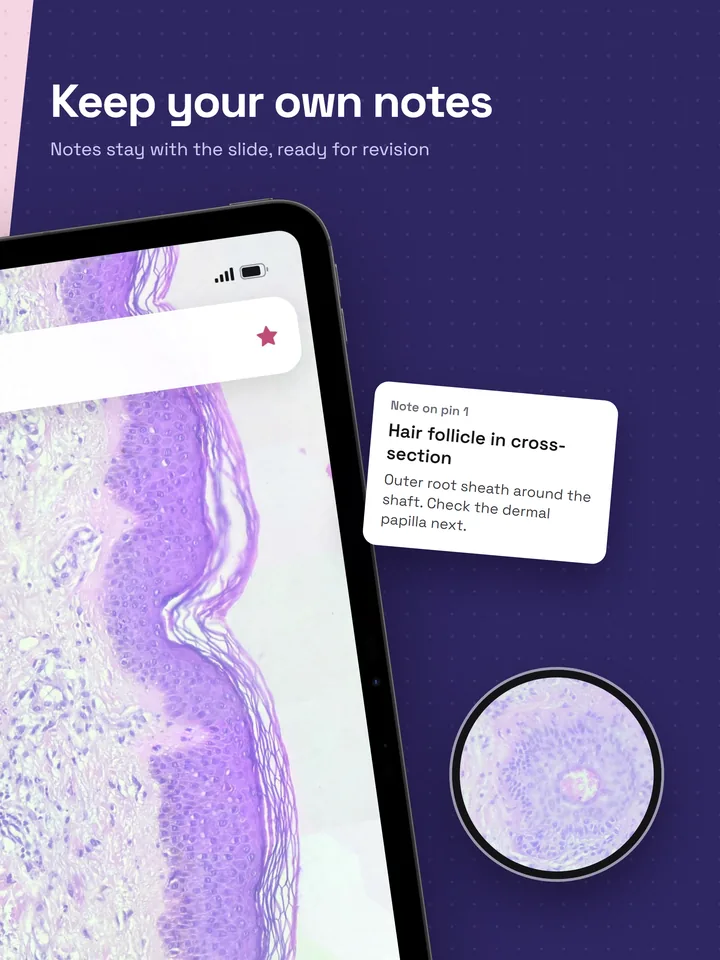
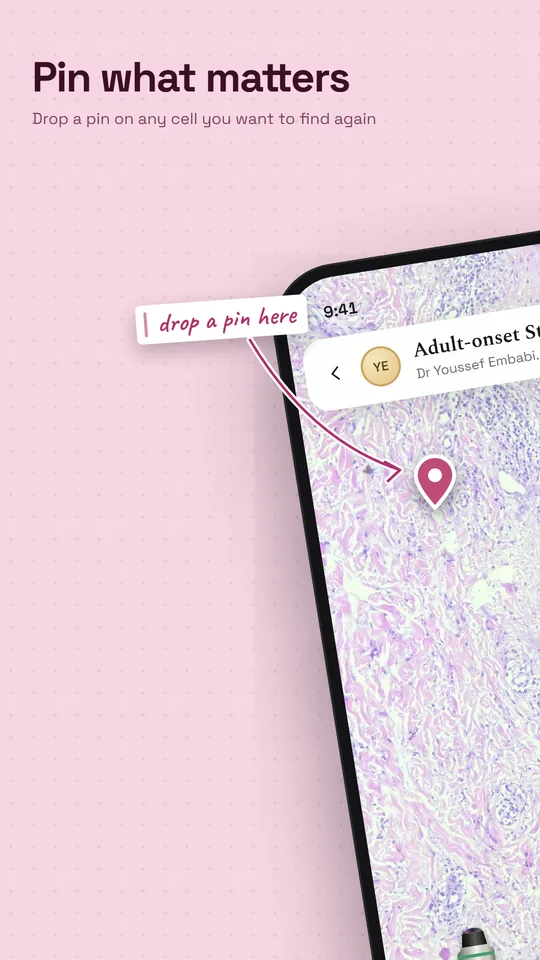
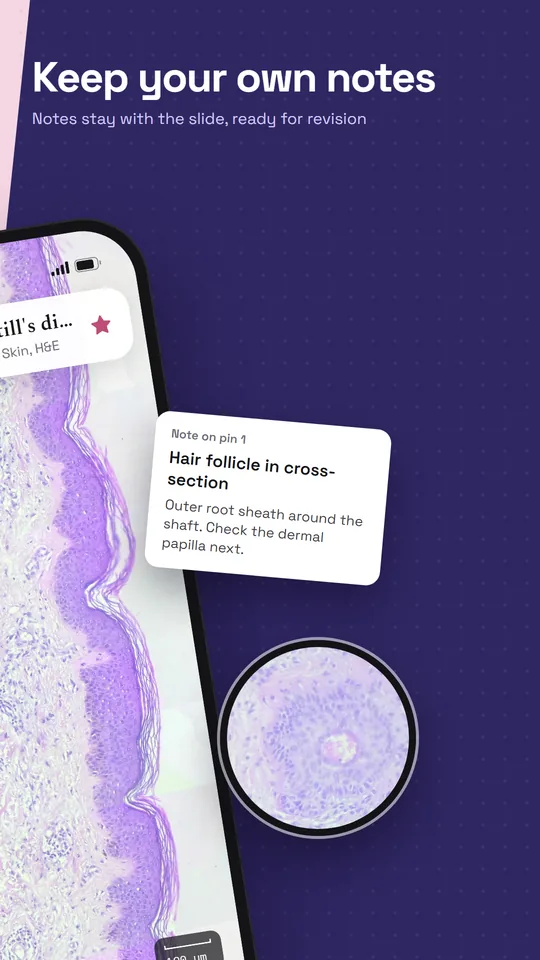
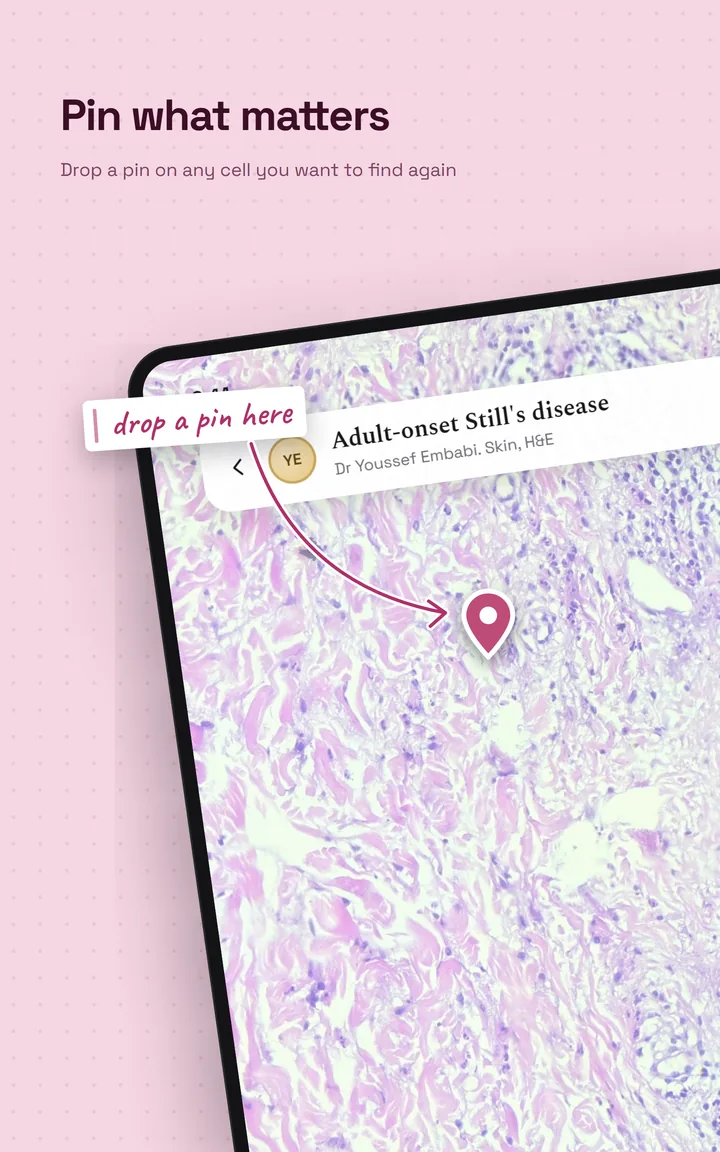
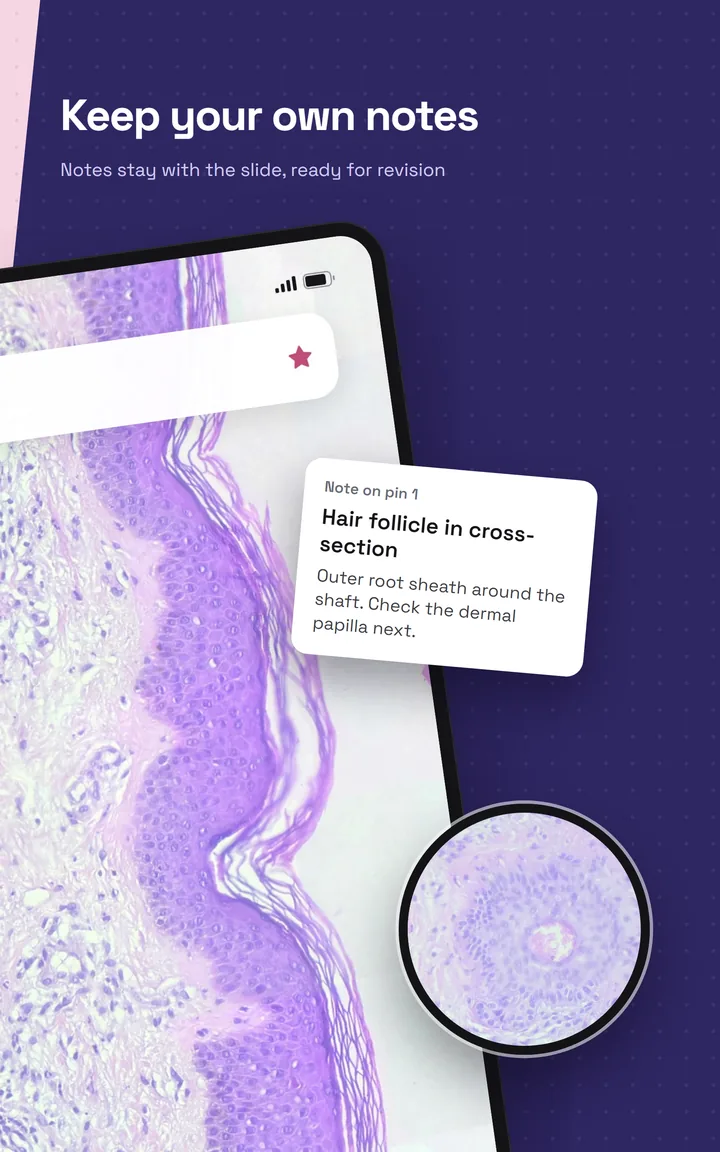
Drop a pin on any cell you want to find again, and keep your own notes with the slide.
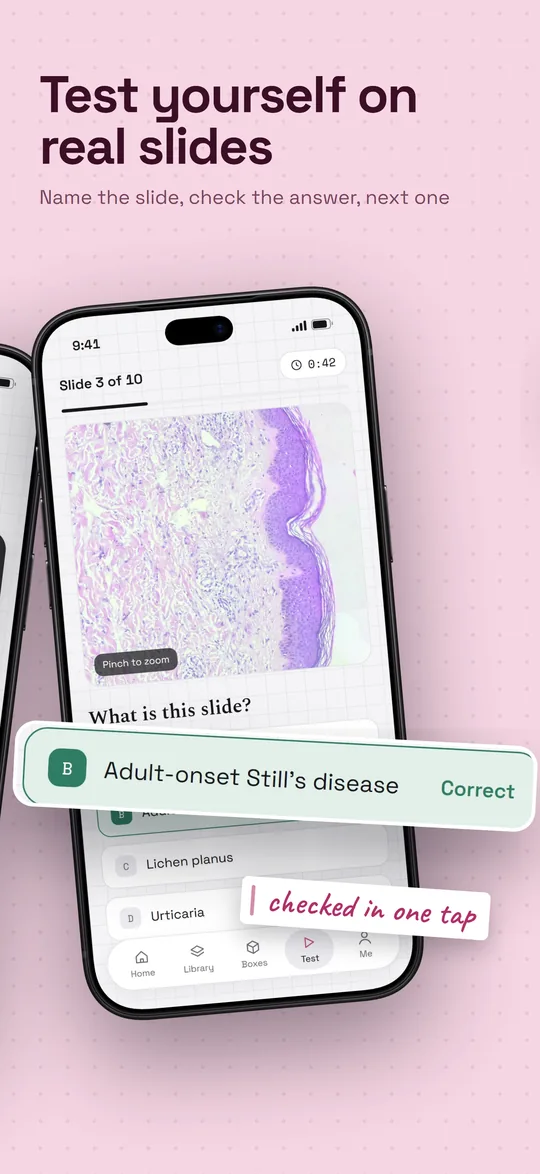
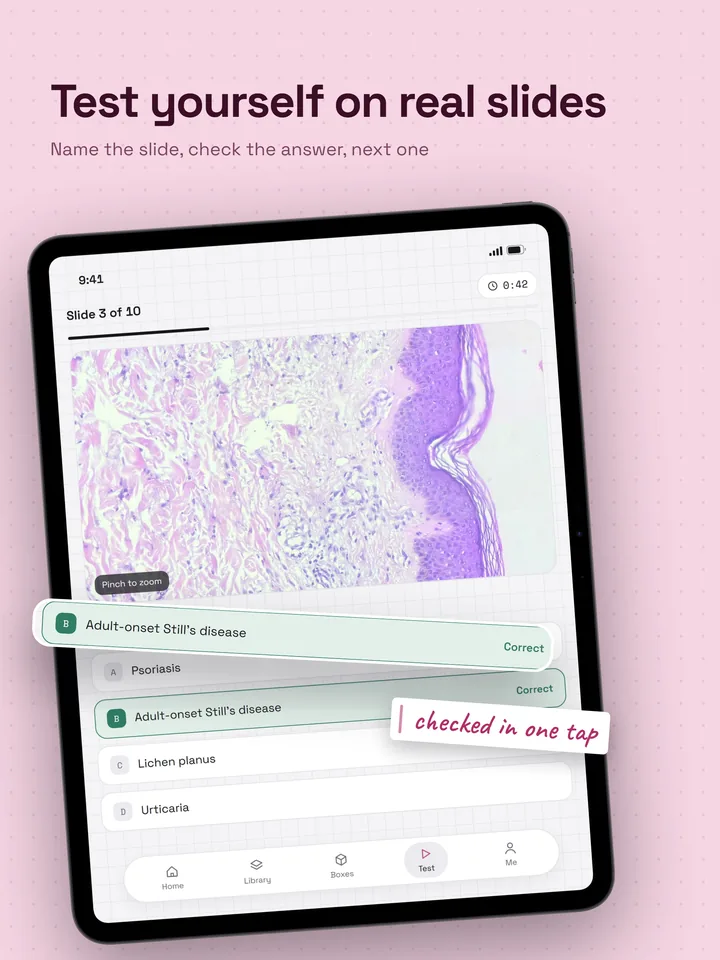
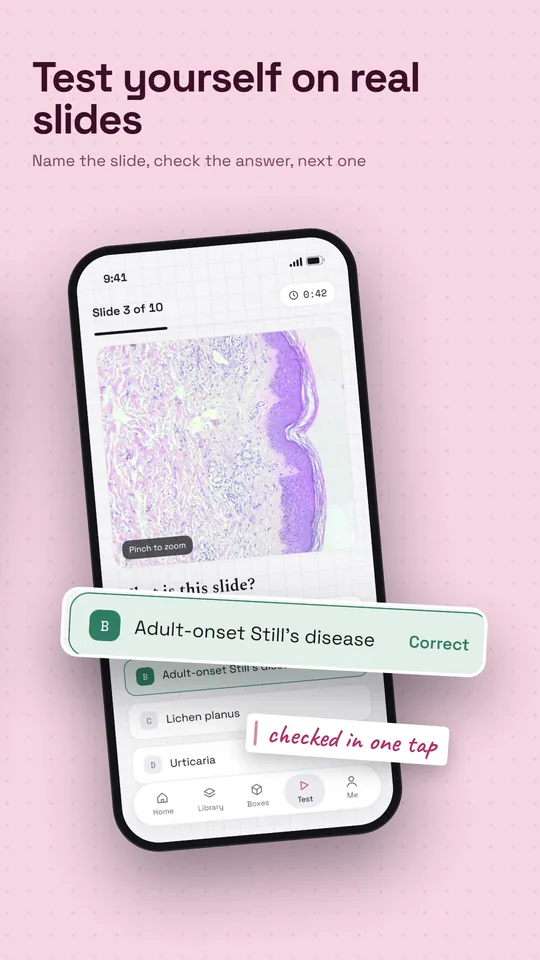
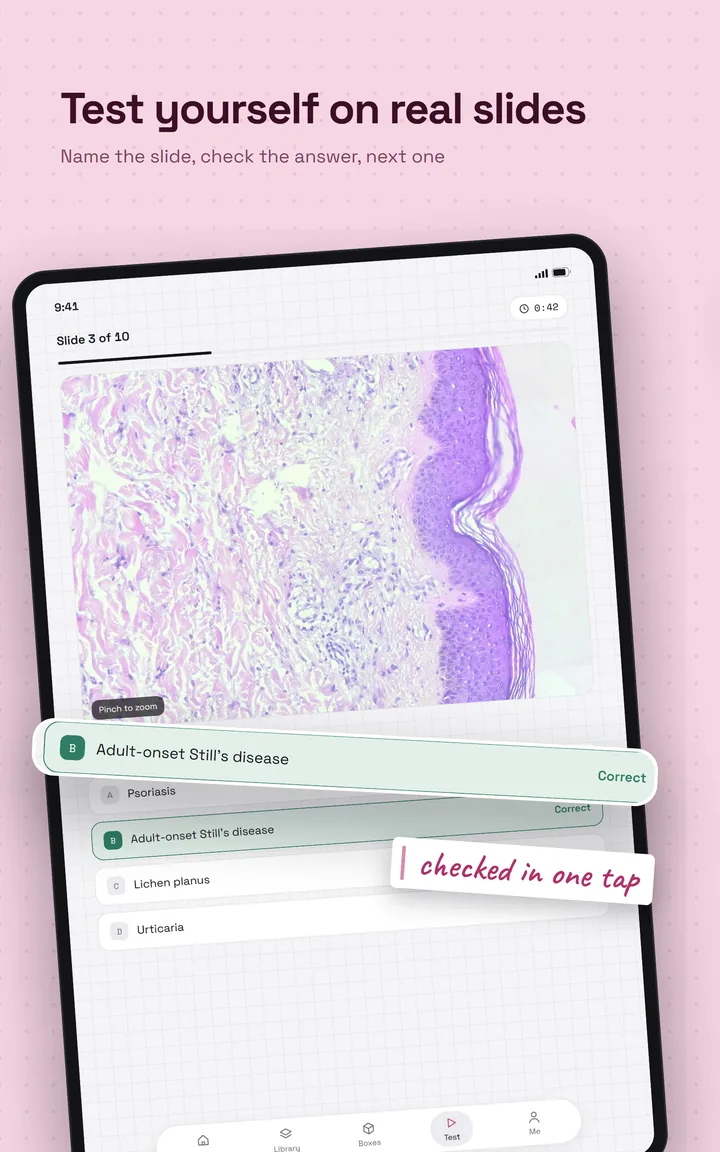
Name the slide, check your answer, move to the next one. Revision that feels like the practical exam.
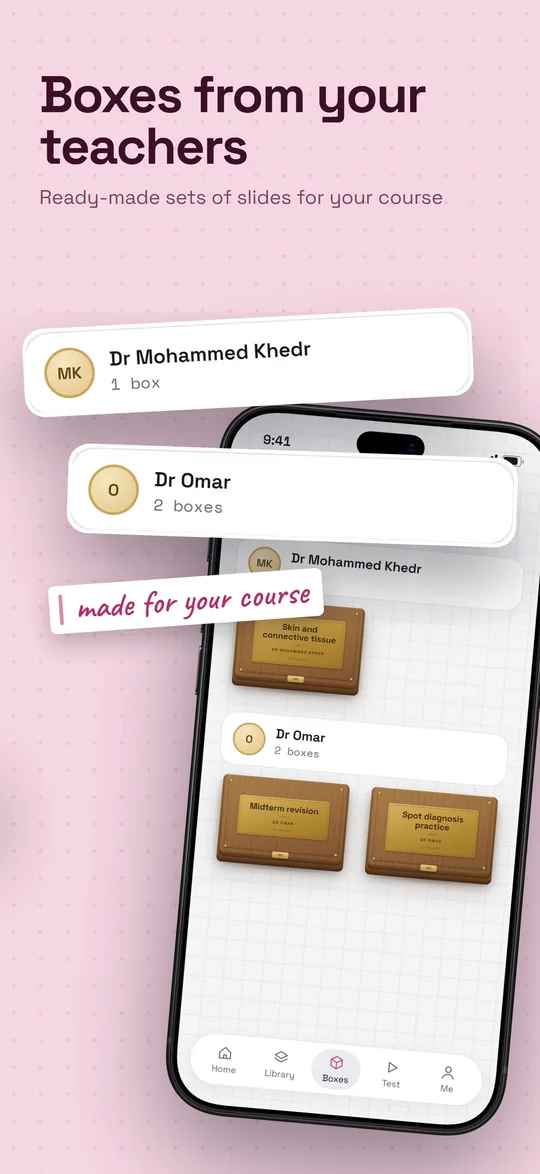
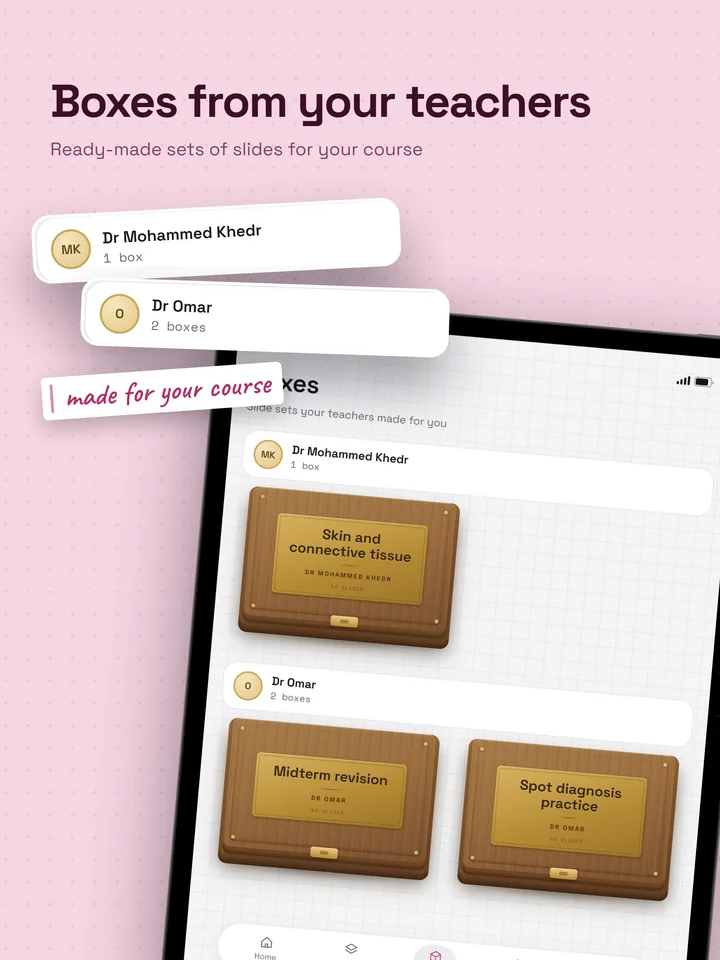
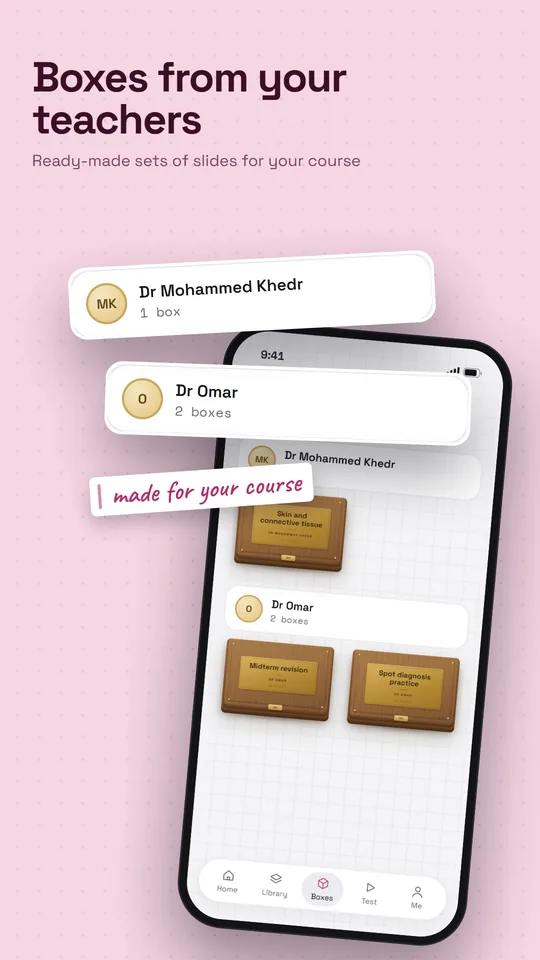
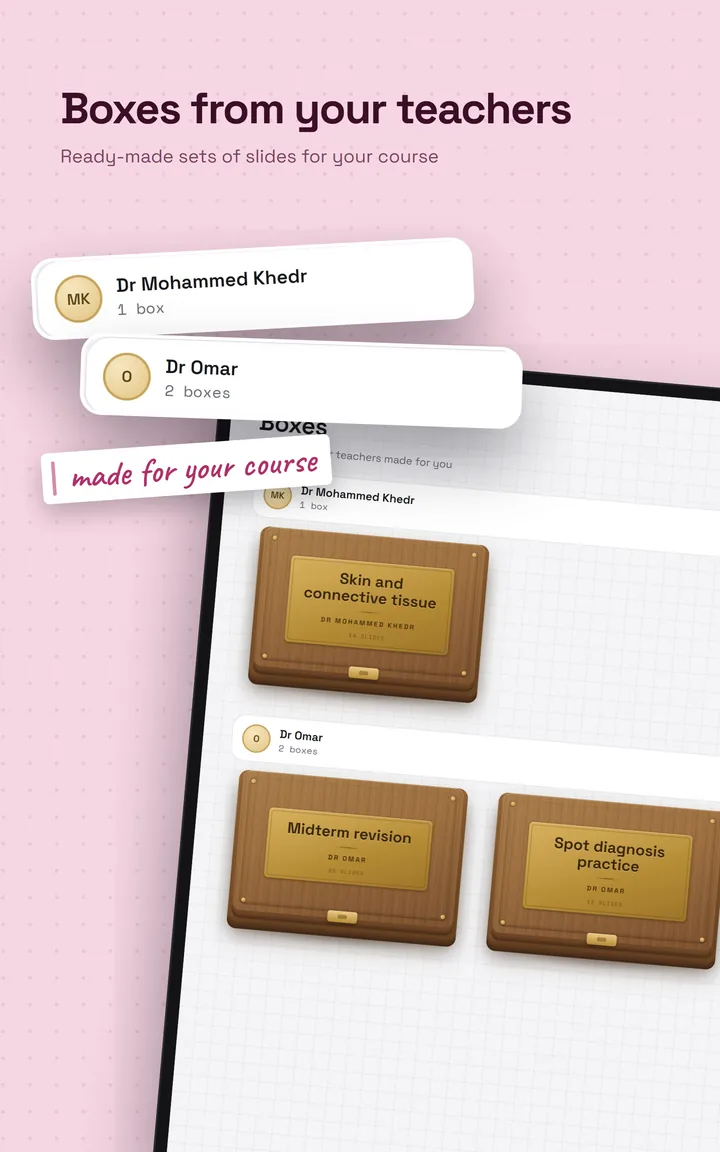
Ready-made sets of slides for your course, grouped by lecture, system or exam.
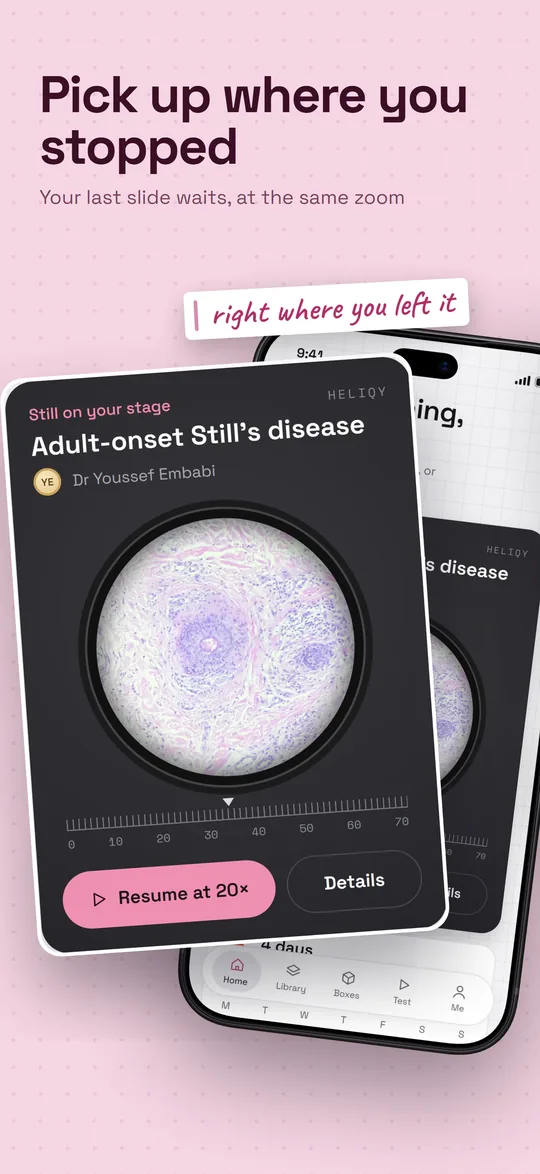
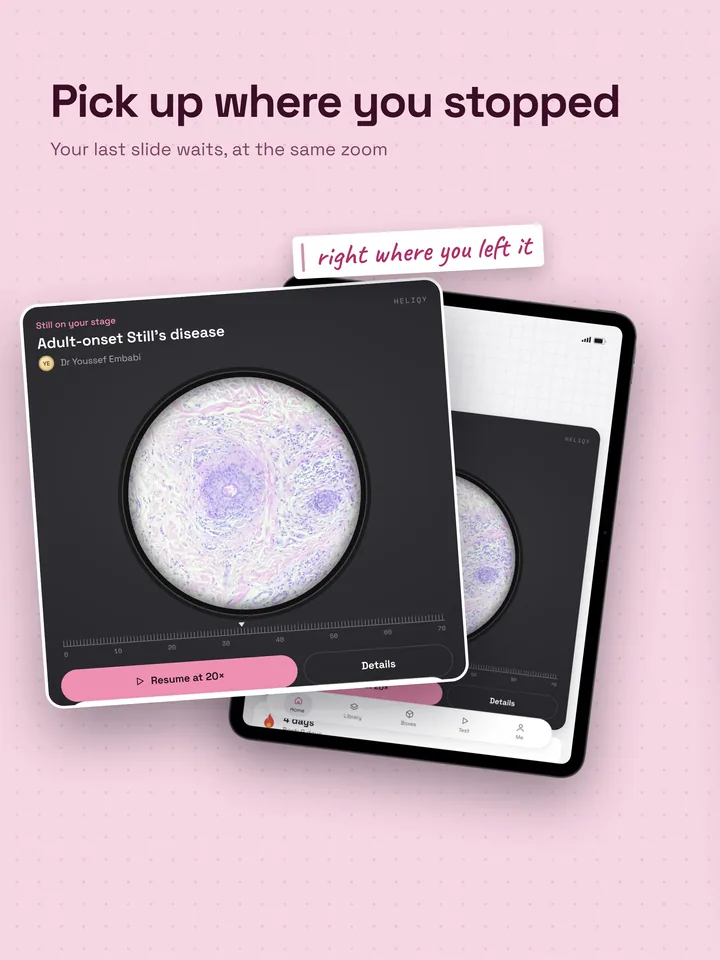
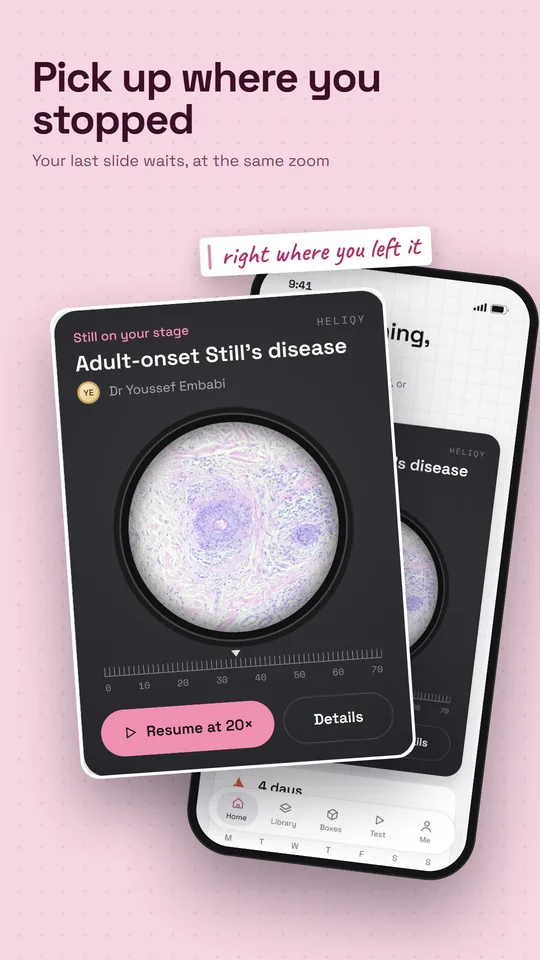
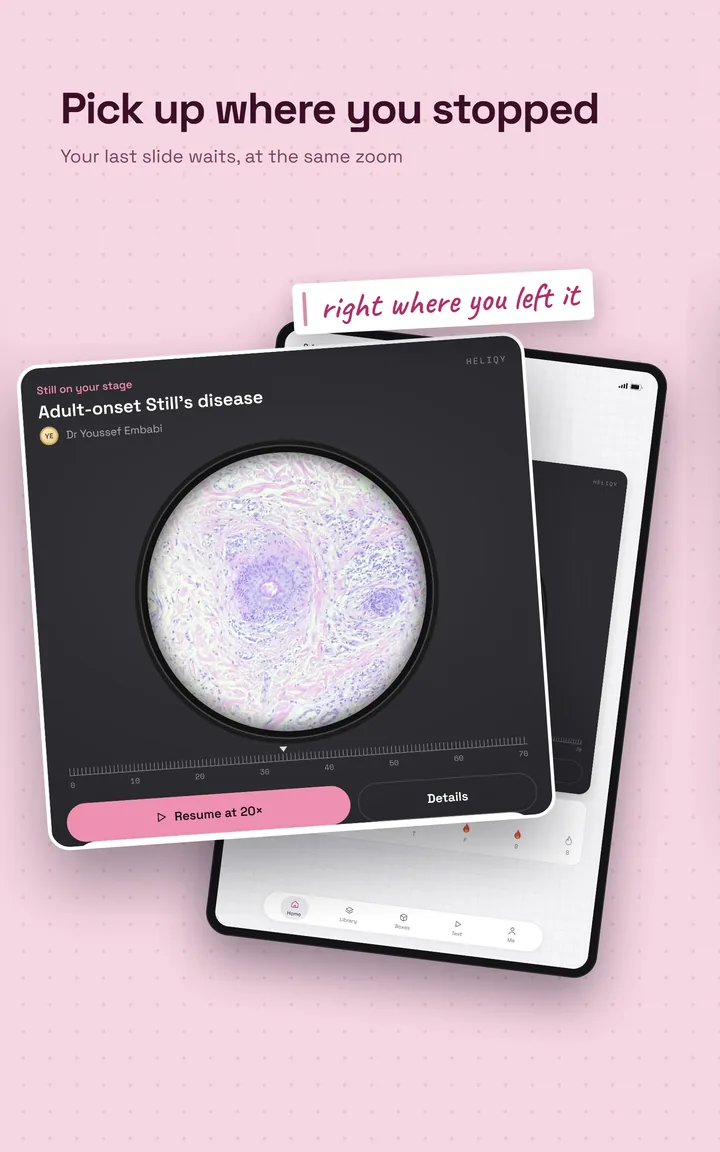
Your last slide waits for you at the same place and zoom, on your phone or tablet.
Heliqy Microscopy works on iPhone, iPad and Android phones and tablets. Pick yours.
How your course slides get into your pocket.
Every glass slide is captured in high resolution, so you see the tissue as you would under a real microscope.
Your teacher gathers slides into a box for your class: by lecture, system or exam.
Sign in on your phone or tablet and zoom from the whole section down to a single cell.
Revise the slides you will be examined on, on the device you already have.
Put your histology and pathology slides in every student's pocket.
Can't find your answer? Email support@heliqy.com.
Heliqy Microscopy is an app for medical students to study real histology and pathology slides on a phone or tablet. Each glass slide is digitised in high resolution, so you can zoom from the whole section down to single cells, with a true scale bar. It is made by Heliqy.
Your teaching center creates your account and chooses the slides you can open. Download the app, then sign in with the details your center gives you. If your center does not use Heliqy yet, they can email support@heliqy.com.
iPhone and iPad with iOS 15 or later, from the App Store, and Android phones and tablets, from Google Play. Heliqy Microscopy is a phone and tablet app; slides are no longer studied in a web browser.
Yes. The app is free to download and has no in-app purchases. Access to slides comes through your teaching center.
Open the slides your teachers put in your boxes, zoom from the whole section down to single cells, switch to a round eyepiece view like a real microscope, drop pins and keep notes on a slide, test yourself by naming slides, and pick up where you stopped.
Each account works on one device. If you get a new phone or tablet, email support@heliqy.com from the email address on your account and we will move it for you.
No. Slides stream over the internet and nothing is saved on your device, so you need a connection while you study.
Email support@heliqy.com from the email address on your account and we will help you set a new one.
Email support@heliqy.com from your account's email address with the subject Delete my Heliqy Microscopy account. We delete it and the personal data tied to it within 30 days. Read what we delete.
No. Heliqy Microscopy is for education only. It is not for diagnosis or patient care.
Email support@heliqy.com. We digitise your glass slides, put them into boxes for your courses and set up accounts for your students.
Free on the App Store and Google Play. Sign in with the account from your teaching center.